

What if your tasks, messages, meetings, and calendar all lived in one place, and an AI kept them organized for you?
Most people aren’t struggling because they lack ambition. They’re struggling because their work is scattered across five different tools, their inbox is a graveyard of follow-ups, and their calendar fills up without any real logic. Sound familiar?
That’s exactly the problem Routine was built to solve. As an AI productivity app, Routine brings your tasks, notes, meetings, and communications into a single intelligent workspace. Instead of switching between apps and losing context, everything flows through one hub that thinks alongside you. Visit the official Routine site to see how it works firsthand.
What Is Routine?
Routine is an AI productivity app built for professionals, solopreneurs, and small teams who are tired of juggling multiple tools just to stay on top of their day. The core promise is simple: one intelligent workspace to capture, organize, plan, and automate everything you need to get done.
At its heart, Routine unifies task and calendar management, eliminating the friction that comes from bouncing between a to-do app, a calendar, a notes tool, and a project tracker. The philosophy is straightforward: fragmented tool stacks kill focus, and a single well-designed hub restores it.
The workspace is built around four core pillars:
Universal Inbox: Captures tasks, messages, and notifications from connected apps in one consolidated feed.
Planner View: Combines time blocking with your calendar for structured, realistic daily planning.
AI Assistant: Handles meeting notes, action items, voice capture, and workflow automations automatically.
Integrations: Connects with 167+ tools, including Google Calendar, Slack, and Zoom.
Routine is also a strong cross-platform option, with dedicated apps for macOS, Windows, Linux, iOS, Android, and the web. Your workspace stays consistent whether you’re at your desk, on your phone, or switching between devices throughout the day.
Everything Routine Can Do for Your Workflow
Routine is built around the idea that capturing, organizing, and executing work should feel effortless. Every feature is designed to reduce friction and keep your focus where it belongs.

AI Voice Assistant for Task Capture
Routine’s voice assistant lets you capture tasks, ideas, and reminders hands-free in seconds. Whether you’re commuting, walking between meetings, or stepping away from your desk, you can speak a task and it lands directly in your inbox. Never lose a good idea because you couldn’t find a notepad.
Universal Inbox
The universal inbox pulls tasks, messages, and notifications into one consolidated feed. It connects to Slack, email, app alerts, and manual entries, so nothing gets buried across different platforms. Stop context-switching and start working from a single source of truth.
AI Meeting Notes and Auto-Generated Action Items
Routine joins your Zoom or Google Meet calls and captures everything automatically. After the meeting, it generates action items directly from the transcript, so you walk out knowing exactly what needs to happen next. No manual note-taking, no forgotten follow-ups.
Time Blocking and Planner View
The planner view supports task and calendar management through a simple drag-and-drop interface. Pull tasks from your list and place them onto your calendar to build a realistic, scheduled day. Time blocking protects your deep work hours before the calendar fills itself up.
Custom Data Models
Routine lets you build custom data structures for CRM pipelines, project tracking, bug reports, and more. Developers, project managers, and sales teams can shape Routine around their specific workflows instead of adapting to rigid templates. One flexible workspace replaces several specialized tools.
167+ App Integrations
Routine connects with Google Calendar, Slack, Zoom, and over 160 additional apps. These integrations feed directly into the universal inbox and planner, keeping everything synchronized without manual effort. Routine works alongside the tools you already rely on, not against them.

AI Agents and Automations
AI agents handle repetitive work like auto-assigning tasks from Slack messages, scheduling follow-ups, and triggering workflow steps based on set conditions. You define the rules once, and Routine executes them consistently in the background. That frees your attention for high-value work that actually needs your thinking.
Recurring Tasks and Reminders
Set recurring tasks for weekly reviews, daily standups, or monthly reporting, and Routine handles the rest. Smart reminders surface at the right time so deadlines and habits stay consistent. Build reliable routines without relying on memory alone.
Explore all Routine features and see which ones fit your day-to-day workflow.
Who Should Use Routine and Why It Works
Routine adapts to how you already work rather than demanding you change your habits. Whether you’re a solo freelancer or part of a distributed team, the platform scales to fit your situation.
For Solopreneurs and Freelancers
Managing client deliverables, personal tasks, and emails across separate apps is exhausting. Routine consolidates everything into a universal inbox, letting you see messages, tasks, and notifications in one place. Time blocking then helps you structure your day around actual priorities.
- Replace three to five apps (calendar, to-do list, notes, CRM) with one platform
- Capture tasks instantly with the AI voice assistant, even on the go
- Stay focused with a daily planner that maps work to available time slots
For Small Teams and Remote Workers
Remote collaboration breaks down when task and calendar management lives in different tools. Routine’s AI meeting notes automatically generate action items after every Zoom or Google Meet call, so nothing gets lost between sessions. Slack and calendar integrations bring team communication directly into the planner.
- Shared visibility on project progress without extra status meetings
- Auto-generated action items keep everyone aligned after every call
- Recurring reminders and unified task tracking prevent missed deadlines
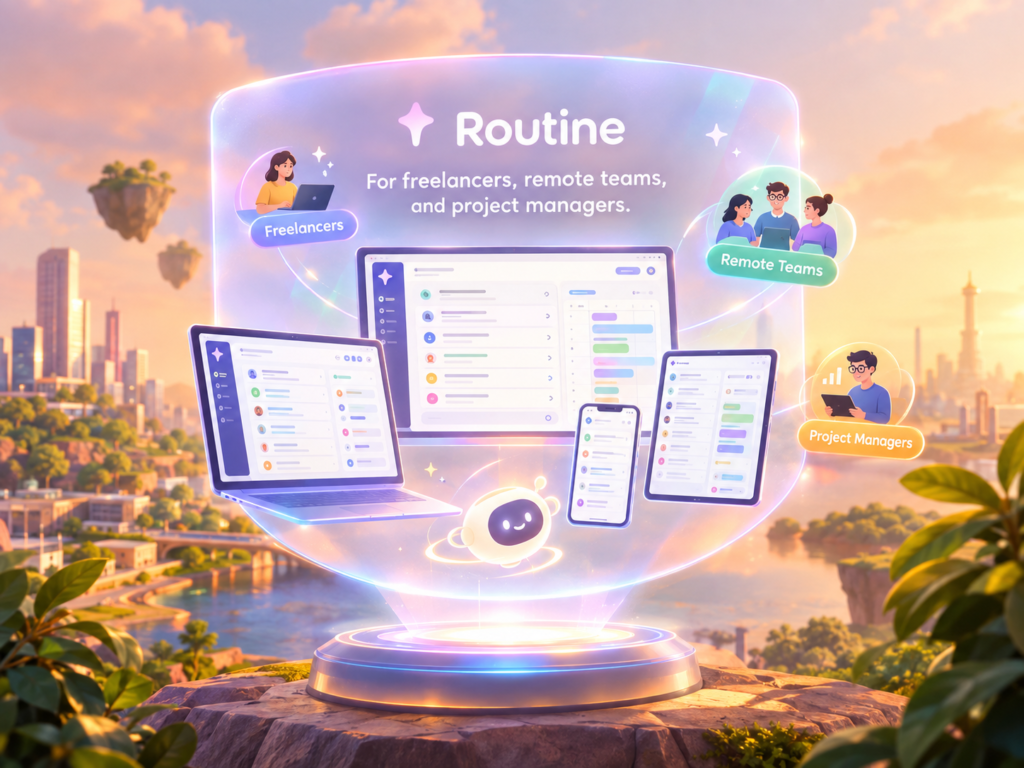
For Developers and Project Managers
Routine supports custom data models for bug tracking, sprint planning, and CRM workflows. Automations handle repetitive assignments and status updates, freeing developers to focus on actual work. It connects with 167+ apps already in your stack, so adoption friction stays low.
The Broader Productivity Case
Most AI tools fail because they demand a full behavioral overhaul before delivering any real value. Routine embeds into existing workflows, making planning a natural daily habit rather than an added chore. Having tasks, calendar, and AI in one place eliminates tool sprawl and keeps momentum consistent.
Routine Pros and Cons: An Honest Look
Routine is a capable AI productivity app, but like any tool, it works better for some users than others. Here’s a clear, honest picture of where it excels and where it asks more of you.
| Pros | Cons |
|---|---|
| Replaces multiple tools with one all-in-one workspace | Can feel overwhelming for simple to-do list users |
| Captures tasks frictionlessly via AI voice assistant | AI features have a learning curve during onboarding |
| Combines task and calendar management with time blocking | Custom data models suit power users more than casual ones |
| Generates AI meeting notes and action items automatically | Some integrations require setup time for non-technical users |
| Connects with 167+ apps in your existing stack | |
| Runs on macOS, Windows, Linux, iOS, Android, and web |
Routine rewards users who want a structured, deeply connected workspace. If you only need a lightweight checklist app, the breadth of features may feel like more than you bargained for.

What Users Are Saying About Routine
Routine has built a quietly loyal following among people who describe it as the AI productivity app they didn’t know they needed. Across forums, app store reviews, and community threads, the feedback leans consistently positive, with users pointing to real outcomes rather than surface-level impressions.
Users most frequently praise the unified workspace that replaces separate tools for notes, tasks, and calendars. Many highlight significant time saved on meeting follow-ups thanks to AI-generated action items, and reduced inbox anxiety from having everything consolidated in one place. Cross-platform availability is a recurring highlight, particularly for people who move between macOS, Windows, and mobile throughout the day.
Users frequently describe the feeling of finally having one place where nothing slips through the cracks.
Where users see room to grow: onboarding has a learning curve, especially around the planner view, and some power users want deeper team collaboration features. That said, those who commit to the planner view consistently report the strongest productivity gains over time.
Routine rewards consistency. Users who treat it as a daily habit rather than an occasional tool tend to get dramatically more from it. See what real users are saying about their experience with Routine.
Routine vs. Other AI Productivity Apps: How Does It Stack Up?
Picking the right AI productivity app is genuinely difficult when so many options exist. The real question isn’t which tool is popular; it’s which one fits your actual workflow. Most apps handle task and calendar management well in isolation, but Routine stands apart by combining AI voice capture, a universal inbox, meeting notes, time blocking, custom data models, and 167+ integrations into a single cross-platform workspace.
| Feature | Routine | Notion | Todoist | Motion |
|---|---|---|---|---|
| AI Voice Task Capture | Yes | No | No | No |
| Universal Inbox | Yes | No | No | No |
| AI Meeting Notes | Yes | No | No | No |
| Time Blocking Planner | Yes | No | No | Yes |
| Custom Data Models | Yes | Yes | No | No |
| 167+ Integrations | Yes | Limited | Yes | Limited |
| Cross-Platform (all OS) | Yes | Yes | Yes | No |
| AI Automations/Agents | Yes | Limited | No | Limited |
Notion is a powerhouse for documentation and custom databases. Todoist keeps task lists clean and simple. Motion does smart scheduling remarkably well. Each one excels in its lane, and none of them are bad choices for specific use cases.
Where Routine differs is scope. Rather than stitching together three or four specialized tools, you get one intelligent system that handles capturing, planning, meeting follow-ups, and automation together. If you’ve ever felt like your productivity stack was working against you, Routine is worth a closer look.
Frequently Asked Questions About Routine
What platforms does Routine support?
Routine runs on macOS, Windows, Linux, iOS, Android, and the web. Your work syncs seamlessly across every device, so switching from desktop to phone never breaks your flow.
How does Routine’s AI voice assistant work?
You simply speak your tasks, reminders, or notes aloud, and Routine’s AI captures and organizes them automatically. It’s especially useful when you’re away from your keyboard or jumping between back-to-back meetings.
What apps does Routine integrate with?
Routine connects with 167+ apps, including Google Calendar, Slack, and Zoom. Those integrations feed directly into the universal inbox and planner, keeping everything visible in one place.
Is Routine good for teams or just individuals?
Routine works well for solopreneurs and small teams alike. Team-friendly features include shared task visibility, AI meeting notes with auto-generated action items, and custom data models for projects and CRM workflows.
How is Routine different from Notion or Todoist?
As a dedicated AI productivity app, Routine combines voice capture, meeting notes, a universal inbox, and time blocking under one roof. Notion and Todoist each excel in their respective lanes, but neither offers that unified AI layer.
Does Routine replace my calendar app?
Routine integrates with Google Calendar and others rather than replacing them. The planner view layers your tasks and time blocks onto your existing calendar, giving you a complete picture of each day.
How steep is the learning curve for Routine?
The feature depth rewards users who invest time upfront. Start with the planner view and universal inbox, then gradually explore custom data models and AI automations as you get comfortable.
Is Routine the Right AI Productivity App for You?
Routine is one of the few tools that genuinely earns the label of all-in-one workspace. It brings task and calendar management, AI meeting notes, voice capture, automations, and 167+ integrations into a single environment, so professionals, solopreneurs, and small teams can finally stop bouncing between apps just to stay on top of their day.
To be clear, Routine is not the simplest to-do list app on the market. It’s built for users who are serious about creating a consistent, AI-assisted workflow, not just checking off occasional reminders. Productivity tools succeed when they embed into existing habits rather than demanding a complete behavioral overhaul, and that’s precisely the philosophy behind how Routine is designed.
If you’ve tried lighter tools and found them lacking, or if you’re already using a patchwork of apps that never quite talk to each other, Routine is worth a closer look. It meets you across macOS, Windows, Linux, iOS, Android, and the web, so the transition feels gradual rather than disruptive.
Reclaim Your Focus with Routine
Scattered tools kill momentum. One AI workspace changes everything.



0 comments